What is Kubernetes?
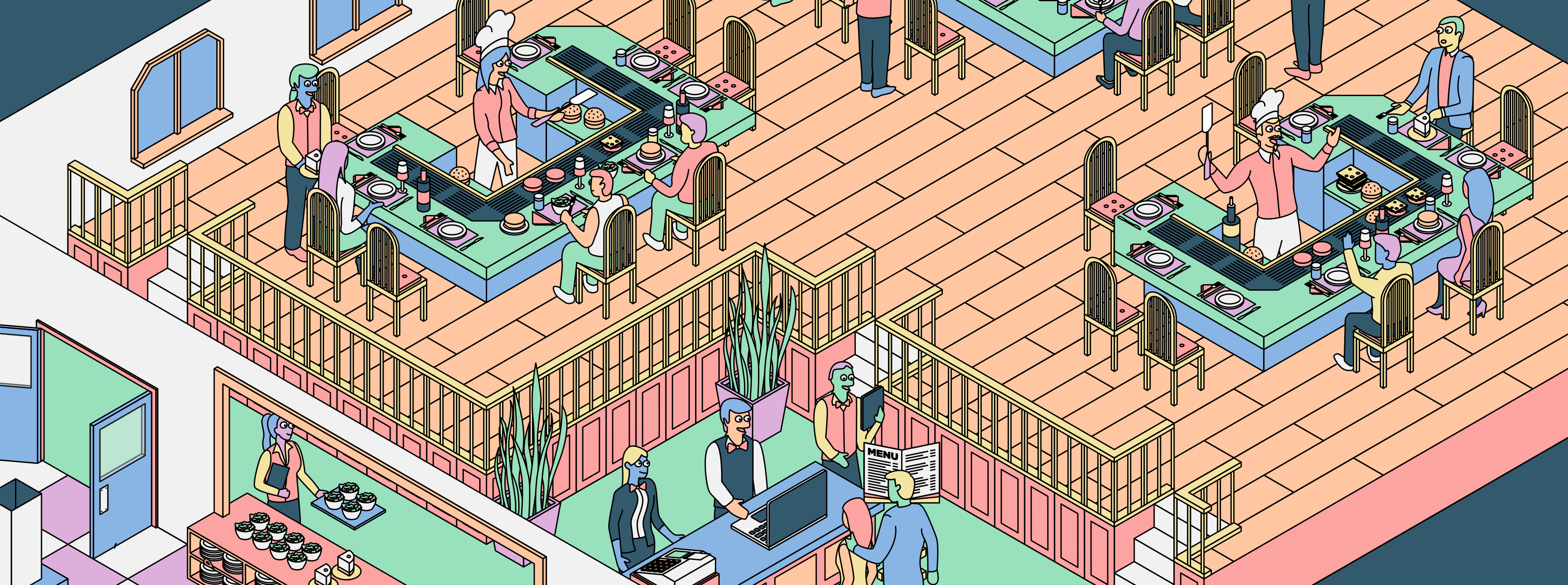
The prep chefs prepare ingredients and utensils so patties can become burgers, and customers can order from brand new menus with clear options and customisations.
But how is all of this managed? How do the ingredients get to the dining area? And how can Tommy see real time data of how the restaurant is performing?
Tommy's restaurant relies on the digitised restaurant management system and defined roles and responsibilities to coordinate orders, staff, tables, and ingredients.
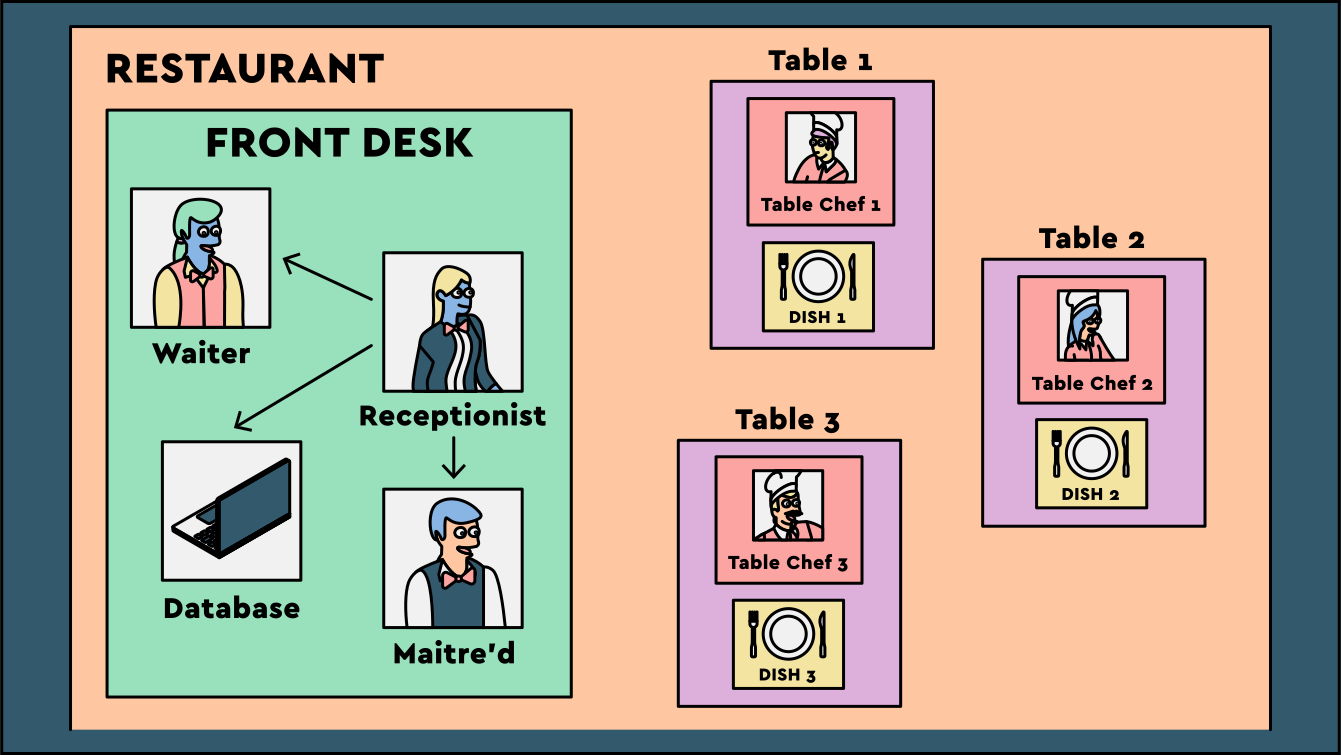
Kubernetes is a container orchestration system. It manages the deployment, scaling, and operation of containers across a cluster of machines called nodes, continuously working to make the actual state match the desired state.
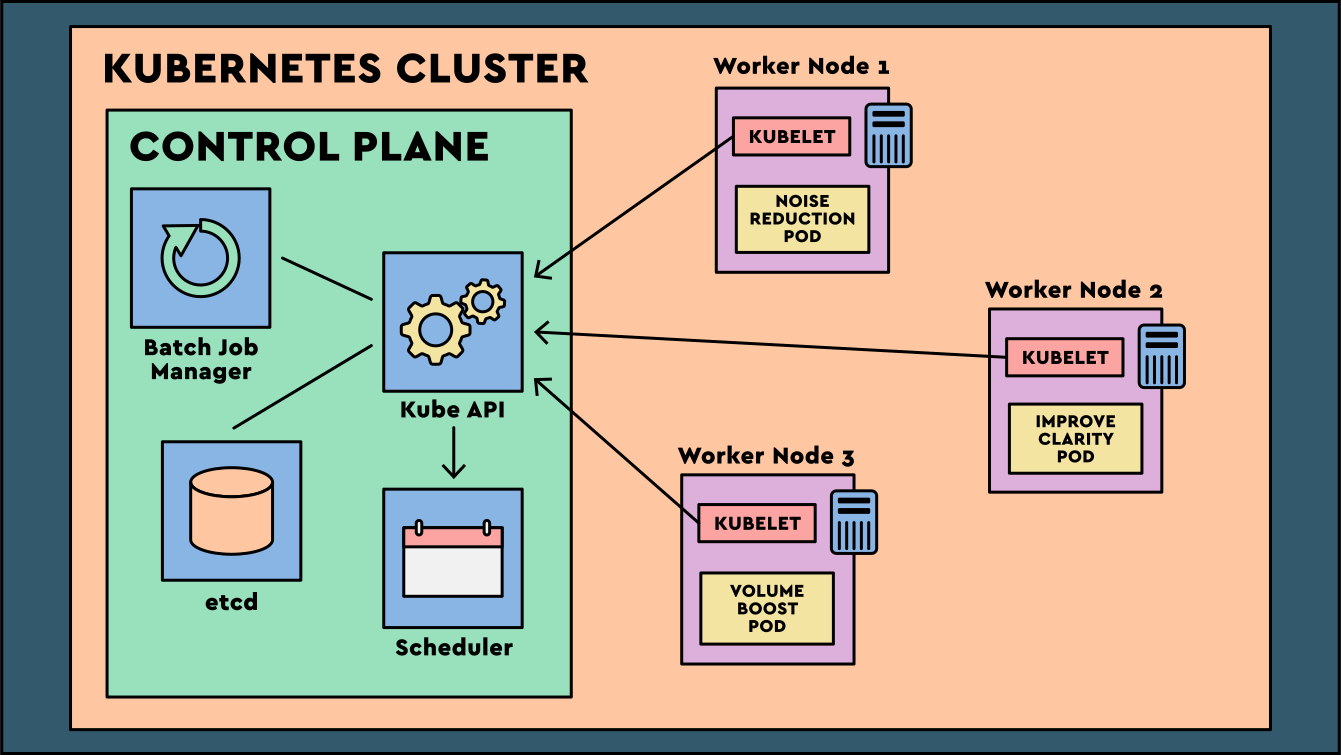
The digitised restaurant management system is made up of multiple components that keep the restaurant efficient and consistent. The front desk manages the operation, while the tables are where meals are actually prepared and served.
Let's explore the roles and responsibilities at both the front desk and the dining tables.
Kubernetes Control Plane
The front desk is responsible for managing the restaurant and keeping service moving smoothly for customers.
In Tommy's restaurant, the front desk is made up of waiters, receptionists, a database, and a maitre d'. They coordinate the activities happening across the restaurant.
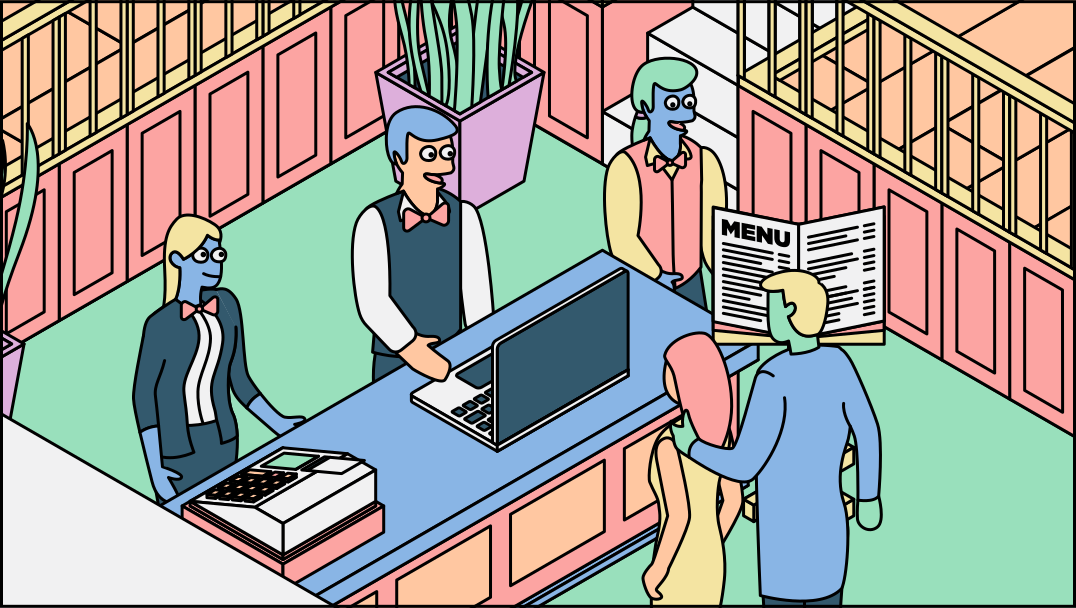
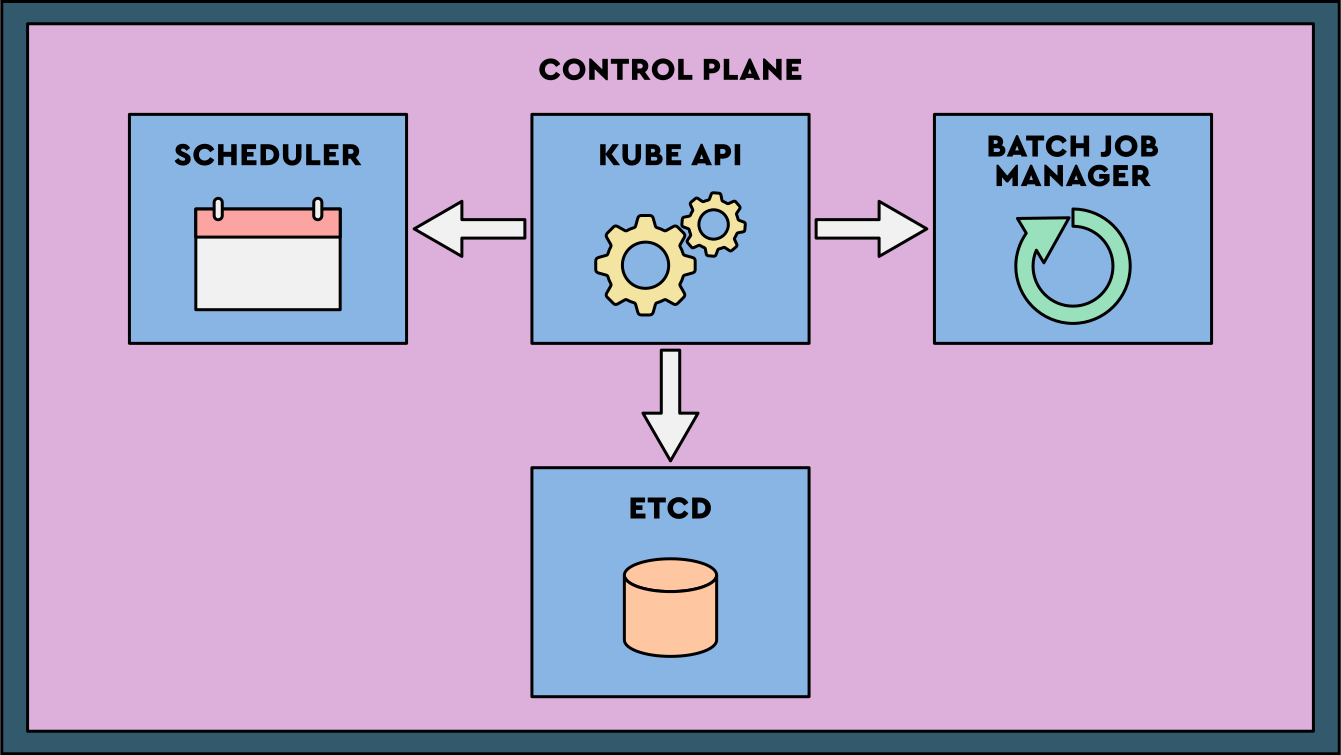
The IT business will implement a control plane, analogous to the front desk. It includes the API server, scheduler, controller manager, and etcd database. Together these components store desired state, accept changes, schedule pods, and coordinate cluster operations.
Checkpoint
Click here to check in and see what you've learned so far
- Kubernetes: Kubernetes orchestrates container deployment, scaling, and management across clusters, reducing complexity with lifecycle management as the number of containers grows.
- Control plane: This manages cluster operations and works to match the desired state.
- Worker nodes: These are where pods and containers run.
- Businesses can decide whether they prefer to host their own control plane to reduce costs and have more flexibility, or if they prefer to pay a cloud provider to host and manage it for them.
API Server
The receptionist is the first of four Front Desk components which we will explore in more detail.
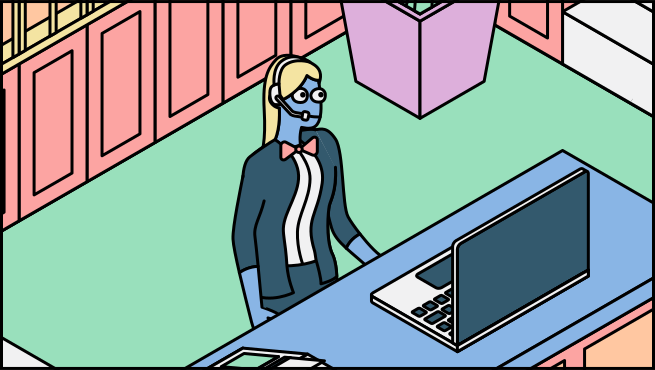
The receptionist allows customers to interact with the restaurant directly. Customers can ask questions about the menu and availability and even request specific actions and information.
In Tommy’s restaurant, the receptionist will provide coordination between staff and ensure other members of staff perform their actions to complete each order.
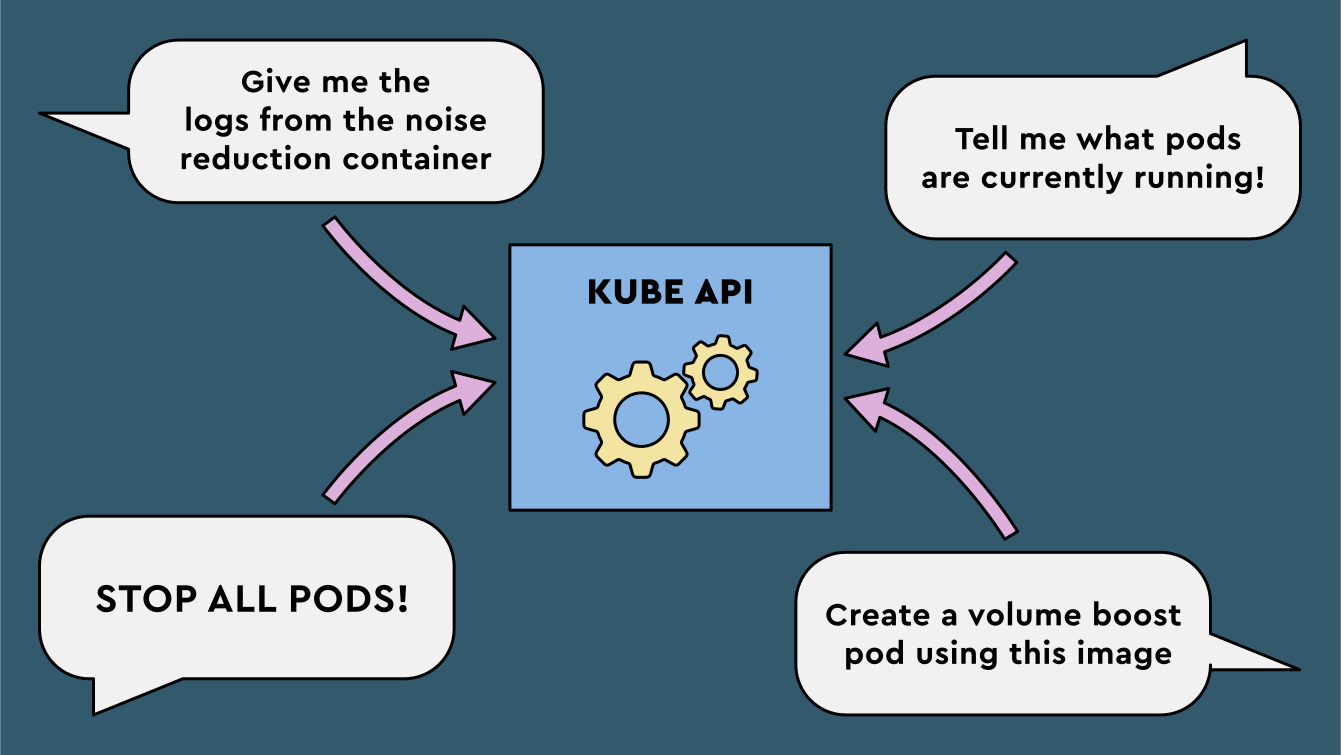
The Kubernetes API server is the primary interface for interacting with the cluster. It exposes endpoints for deploying workloads, scaling resources, and querying state. It also validates requests and applies access controls.
etcd
Tommy realises that the store of information about the activities happening within the restaurant is essential to a service running smoothly. Whether this be the preparation of the food, any changes to the menu, interaction with the receptionist or when a customer has received their order.
The restaurant installs a database on the front desk where all of this information can be captured. The database is connected to the iPads used by the staff. The staff input important information about the status of an order which is shared to all necessary staff members through the database.
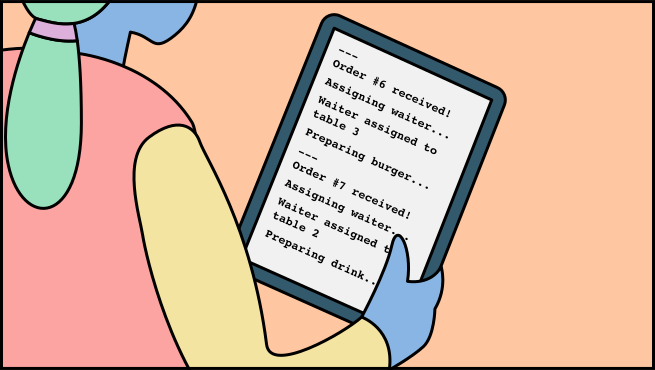
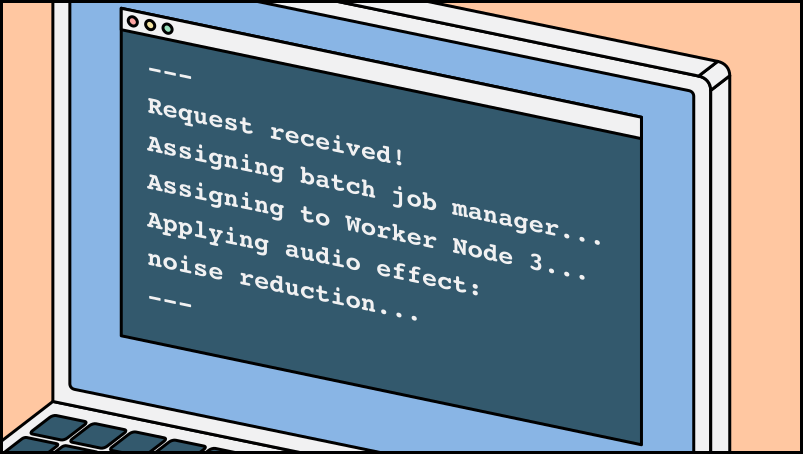
etcd is a distributed key-value store that holds Kubernetes configuration data, cluster state, and resource information. Protecting etcd with backups, careful upgrades, and monitoring is critical for cluster integrity.
Scheduler
The restaurant is taking shape and the staff are performing their jobs well, but now Tommy sees the opportunity for the restaurant to run more efficiently and make better use of the staff and tables it has available.
Tommy employs a maitre d' as part of the front desk team. The maitre d' determines where to seat customers based on table availability and capacity.
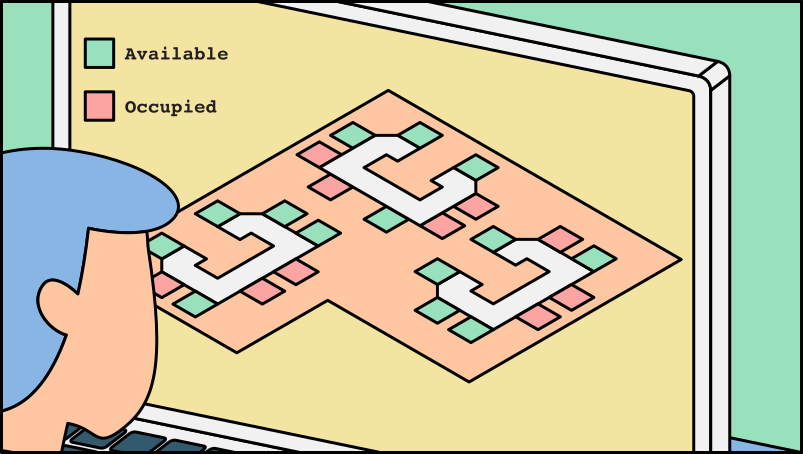
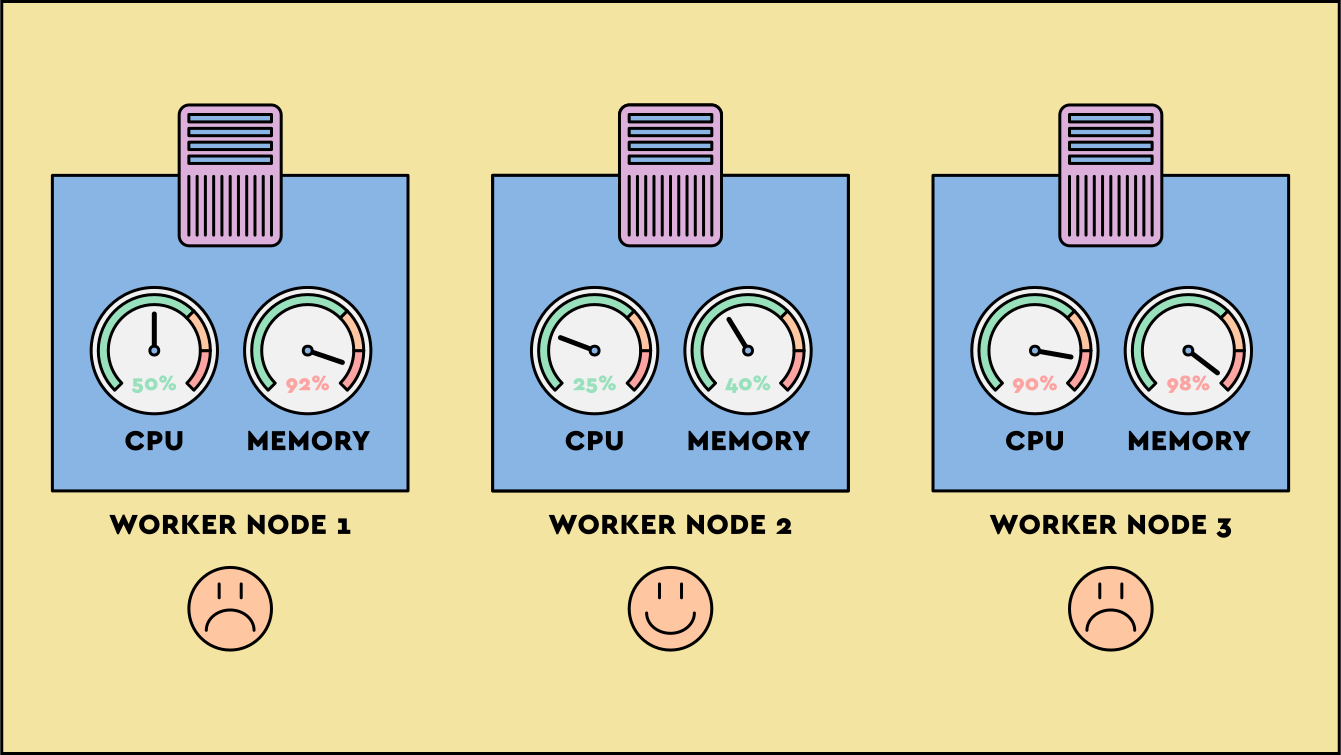
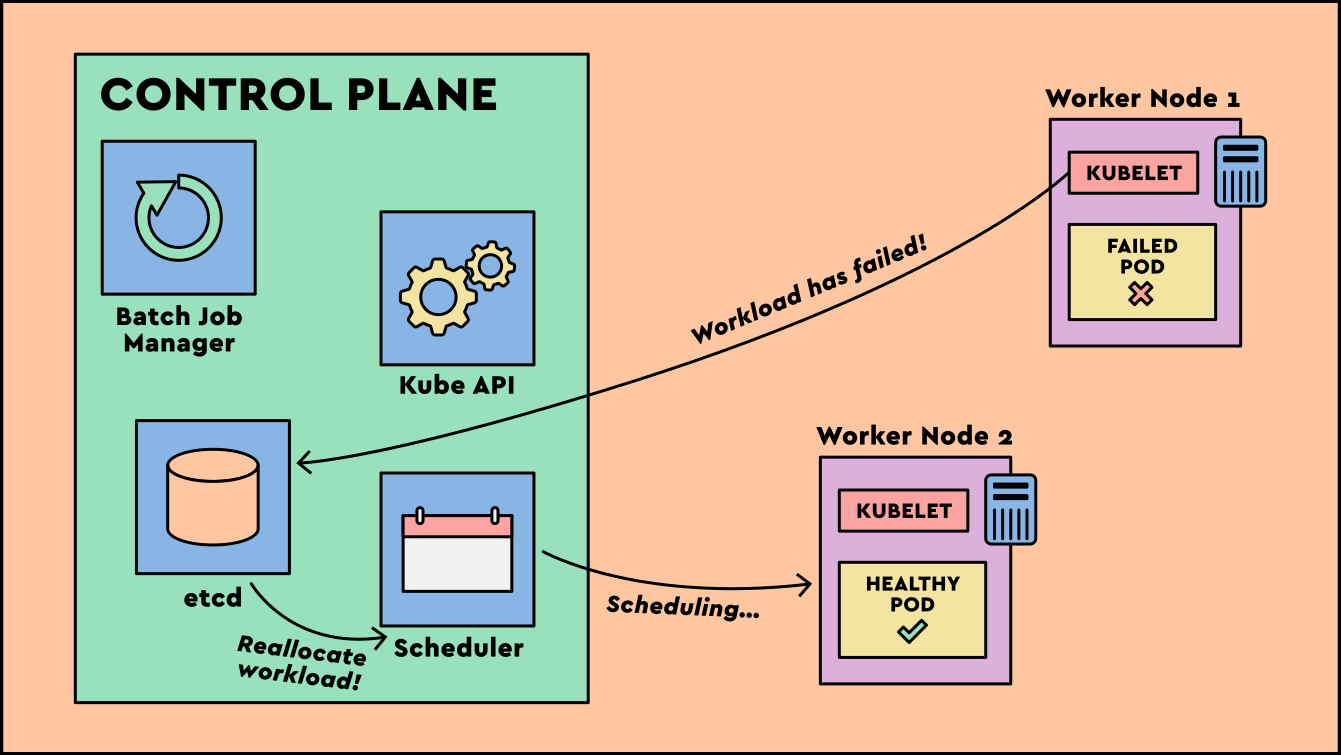
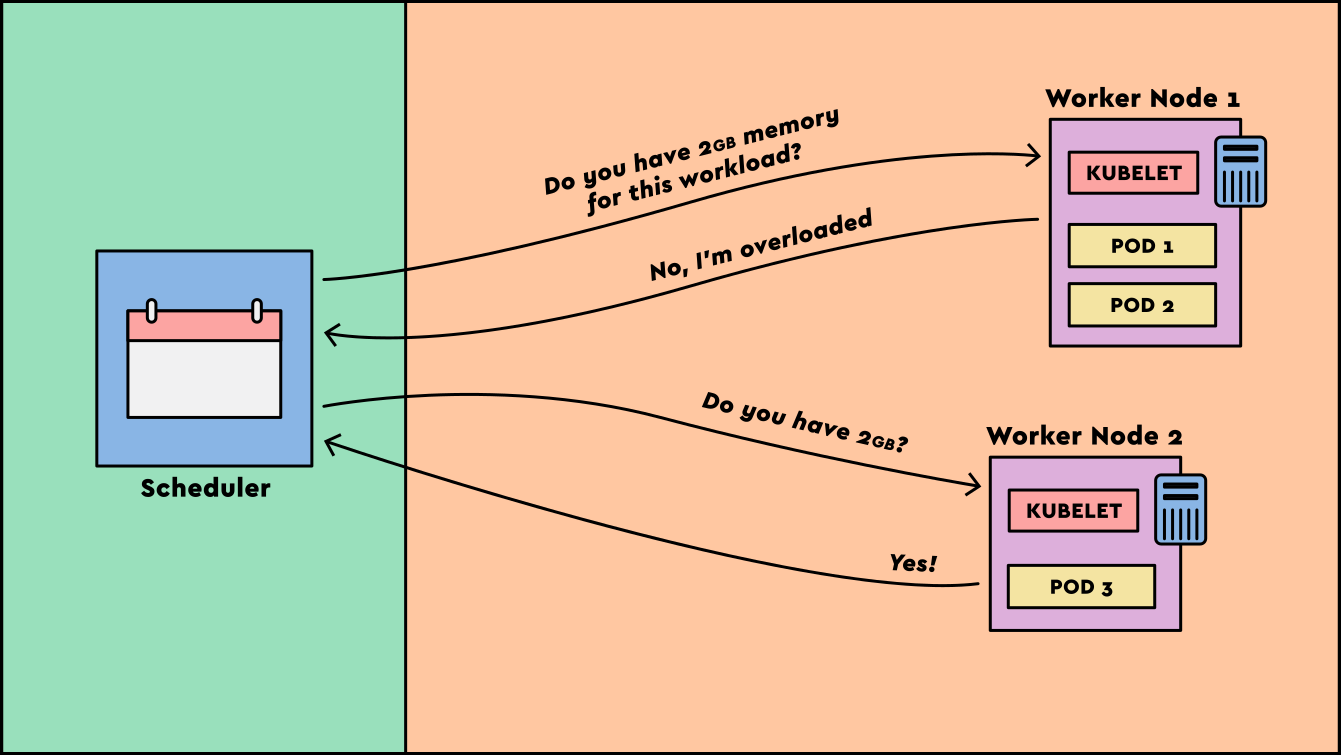
The scheduler, part of the Kubernetes control plane, assigns newly created pods to nodes based on resource availability, constraints, and scheduling policies.
Controller Manager
The fourth front desk role is the dedicated waiter.
A dedicated waiter in Tommy's restaurant is assigned to each customer and follows the order from beginning to end, ensuring it is completed successfully.
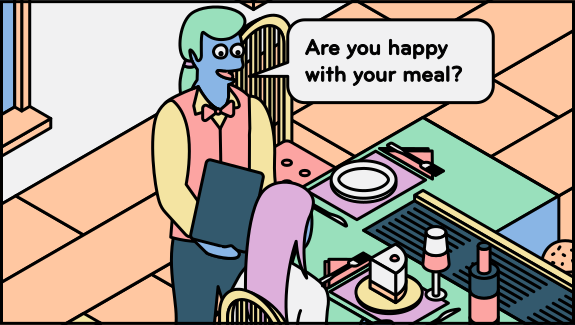
The controller manager runs controllers that watch cluster state through the API server and request changes when actual state differs from desired state. For example, if a Deployment needs one noise reduction pod and none exists, a controller requests a replacement pod.
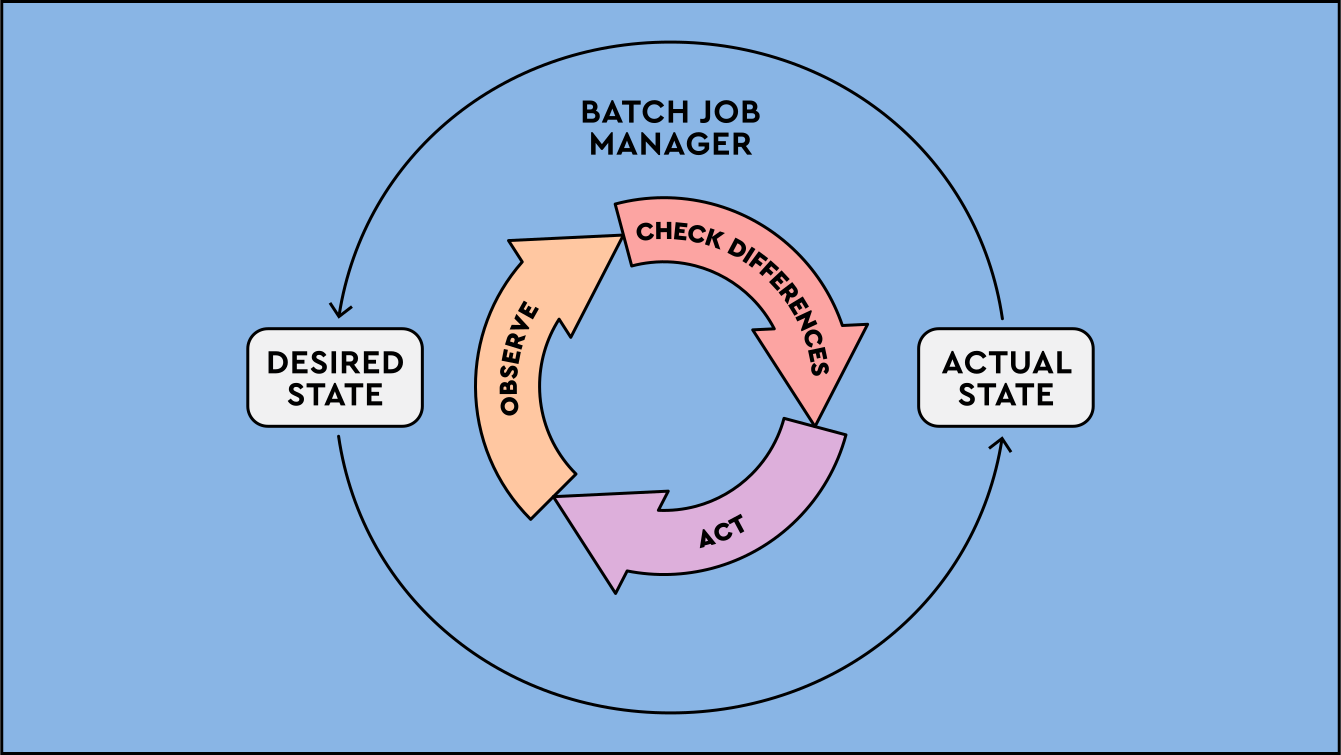
Checkpoint
Click here to check in and see what you've learned so far
- API server: The main interface for cluster interactions, enabling users and components to deploy workloads, scale resources, and query cluster state.
- etcd: Kubernetes stores essential cluster information, such as current state and resource details, in etcd.
- Scheduler: This component assigns unscheduled pods to worker nodes.
- Controller manager: This runs controllers that watch desired state and request changes when the cluster drifts.
Worker Nodes
The tables in the dining area are not part of the front desk, but they interact with it throughout the dining experience. The tables are where food is actually cooked for the customer.
The table in the dining area is where the food is cooked in front of the customers. Tommy always valued interaction with his customers while cooking the food, and he wanted to carry this concept over into his restaurant.
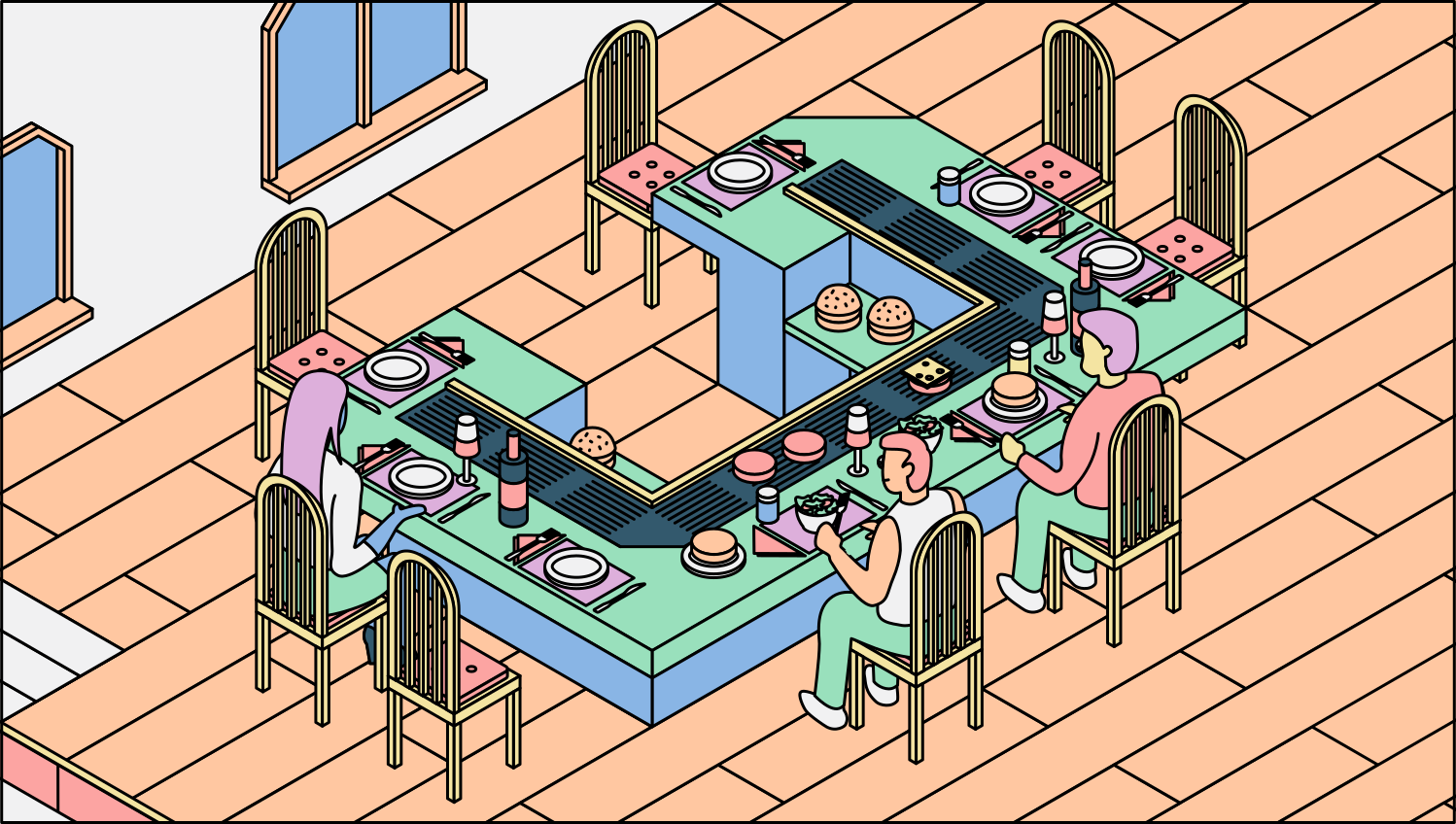
Worker nodes are the machines in a Kubernetes cluster where pods run. They provide compute resources for containerised applications.
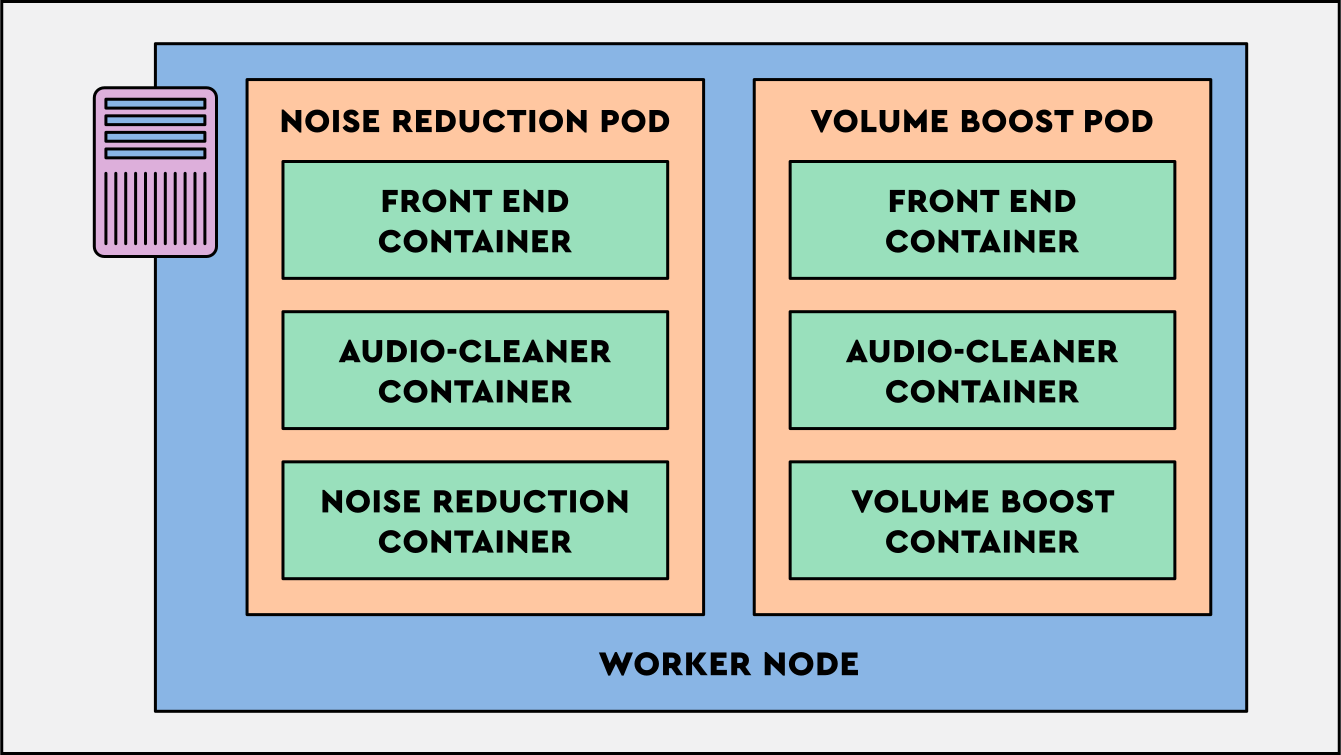
Kubelet
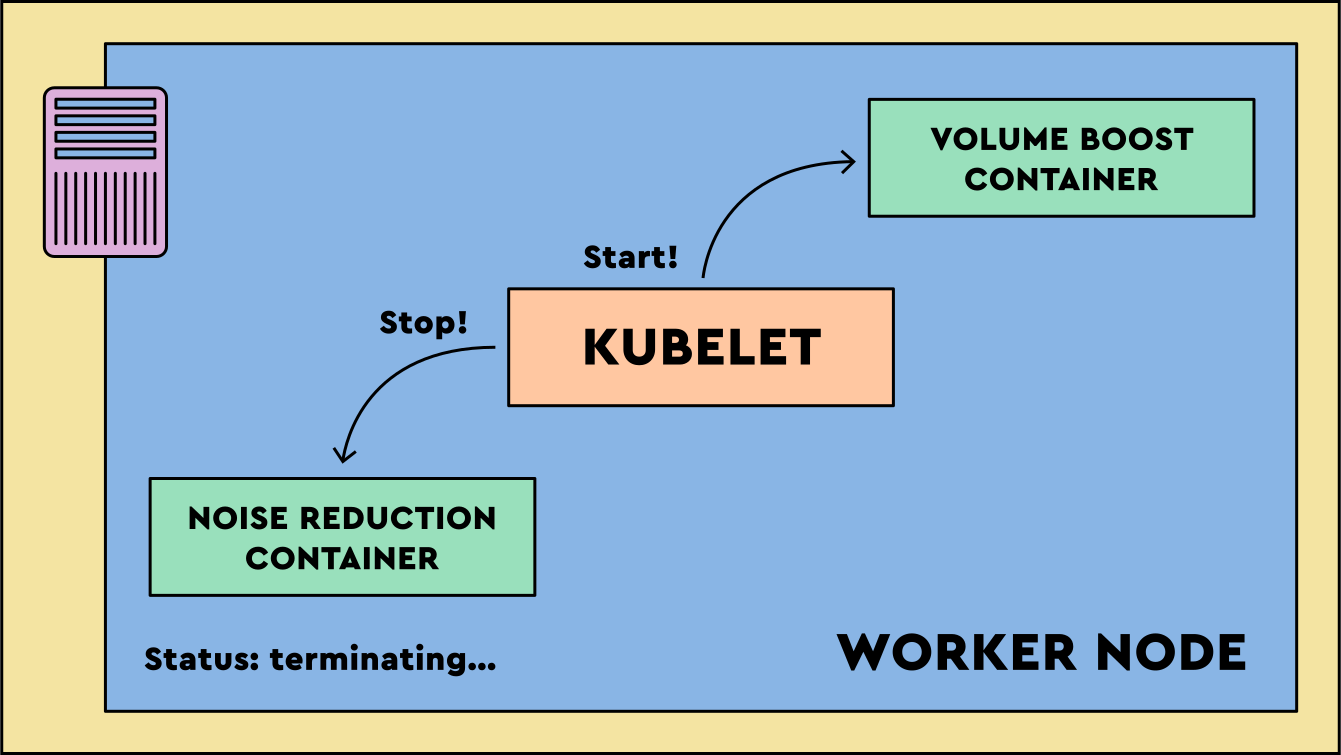
While the table is the location where ingredients are cooked, the table chef performs the cooking and assembly of the burger and other meals on the menu.
The table chef follows front desk instructions, cooks orders to standard, and keeps the front desk updated throughout the process.
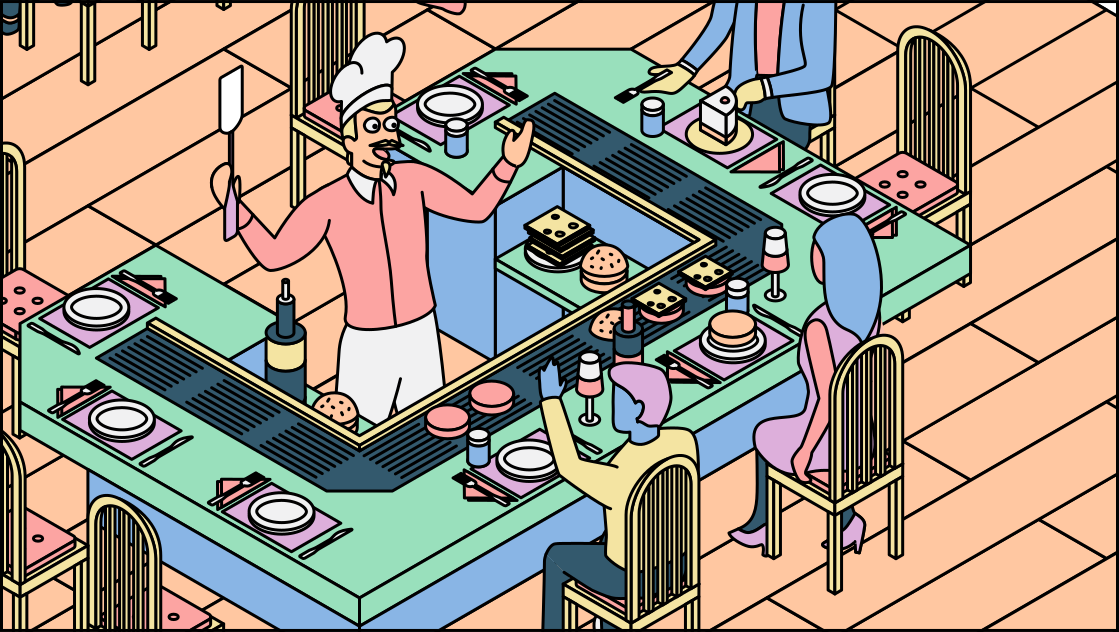
The kubelet runs on each worker node. It makes sure the containers specified for that node are running and reports pod and node status back through the API server.
Benefits of Kubernetes
Using a digitised restaurant management system to coordinate defined roles is new to Tommy. Poppy explains the benefits in terms he can inspect.
Self Healing
The digitised restaurant management system monitors tables and orders. If something fails, the right staff member can take corrective action quickly.
If a grill stops working on a table in the dining area, customers can be reallocated to another working table.
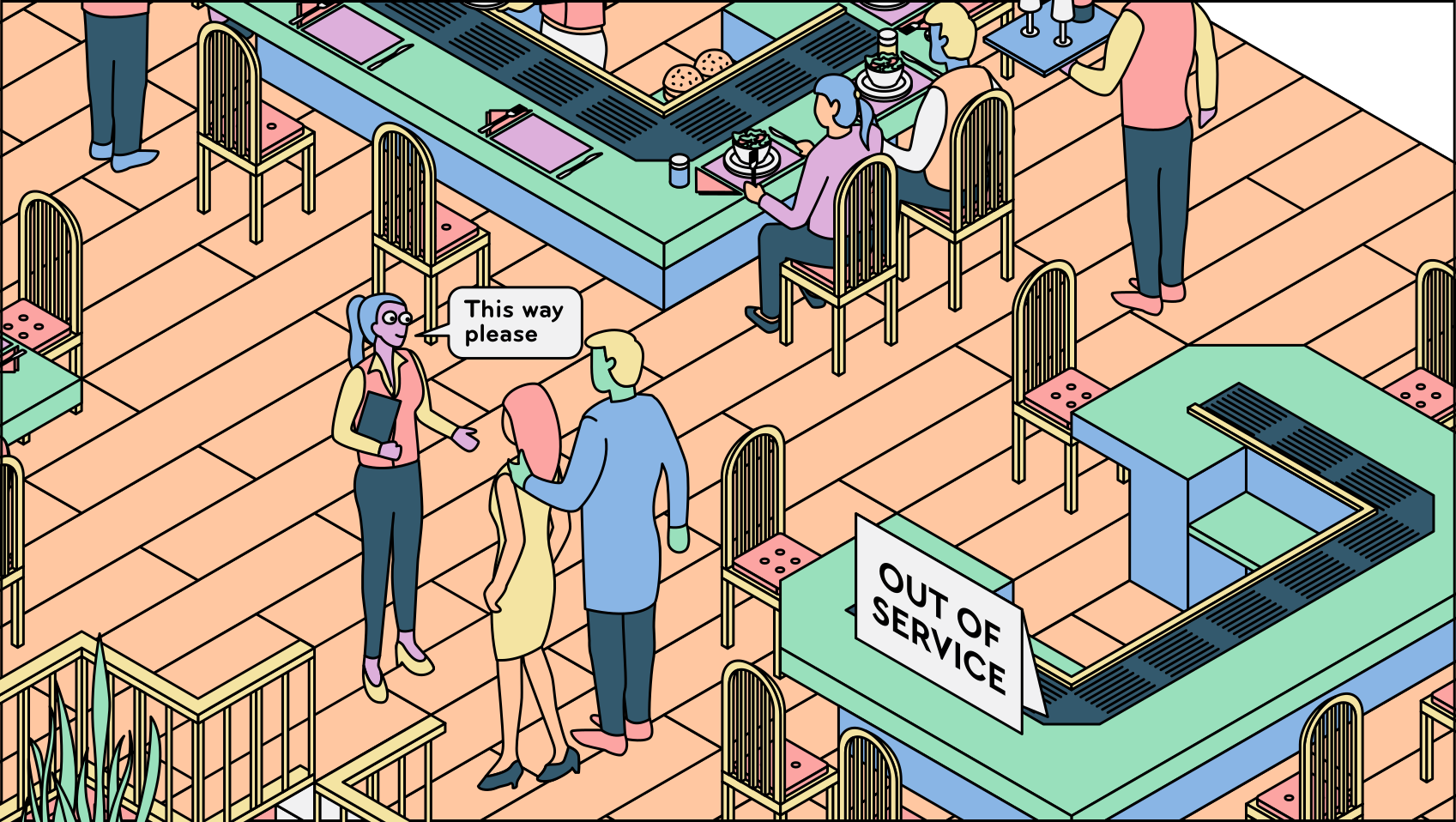
If a container fails, the kubelet can restart it. If a pod or node cannot recover, controllers request replacement pods through the API server, and the scheduler places new pods on healthy nodes.
Intelligent decision making
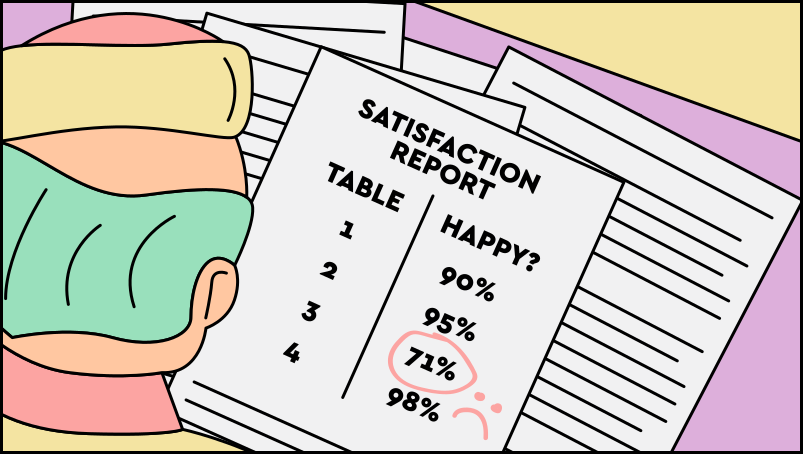
Beyond one-time failures, the restaurant can use status information to make better operational decisions, such as moving customers away from underperforming tables.
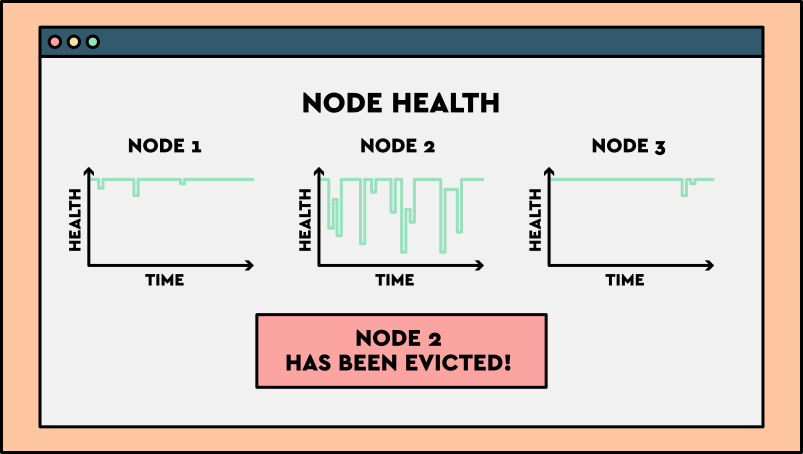
Tommy can now receive monthly reports of how happy customers were with their meal based on which table they were on, implementing a quality control rule that if more than 20% of customers are unhappy on a table within a one month period, then he will replace the entire table.
If a worker node becomes unhealthy, Kubernetes can evict pods from that node so replacements can run elsewhere, helping preserve application availability.
Flexible scheduling
Another benefit is that scheduling doesn’t need to be random. You have the flexibility of allocating customers to tables in the way that is most efficient.
In Tommy’s restaurant, this is similar to a scenario where you may wish to seat different groups of customers at the same table so you don’t need a table chef for each group of customers. Or if you have a large group of customers, you can assign them to a larger table which is able to handle more customers.
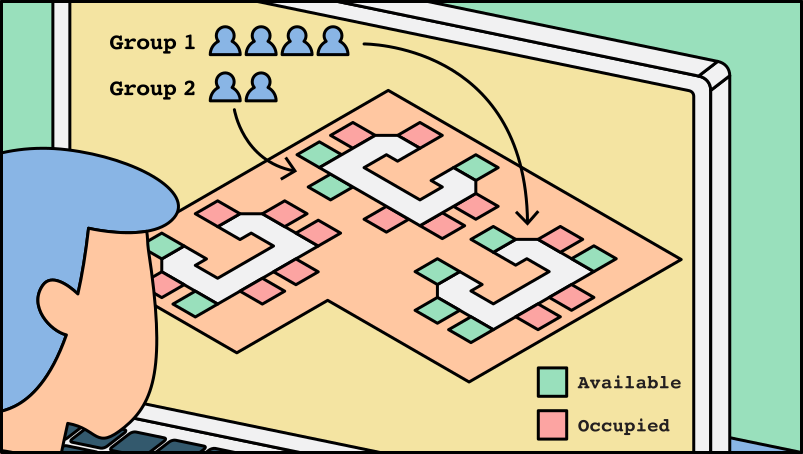
With Kubernetes, you could have multiple Workloads running on the same node so that you don’t have to create a new worker node each time you have a new Workload to run. Or if you have a particularly large Workload, you need to ensure that you can run this on a node which has enough resources to run it.
Checkpoint
Click here to check in and see what you've learned so far
- Self-healing: Kubernetes can restart failed containers and replace pods when the current state no longer matches the desired state.
- State-aware decisions: Kubernetes uses declared desired state, observed current state, resource availability, and policies to decide what should happen next.
- Flexible scheduling: Kubernetes places pods on suitable nodes rather than assigning work randomly.
Overall, a container orchestration system like Kubernetes automates the work of running many containers, gives teams flexible placement controls, and reduces downtime by reconciling the actual state of the cluster with the desired state.