Community Images
When Tommy first started his food truck, he made his own burger buns. This was time consuming and initial feedback didn’t meet Tommy’s high standards.
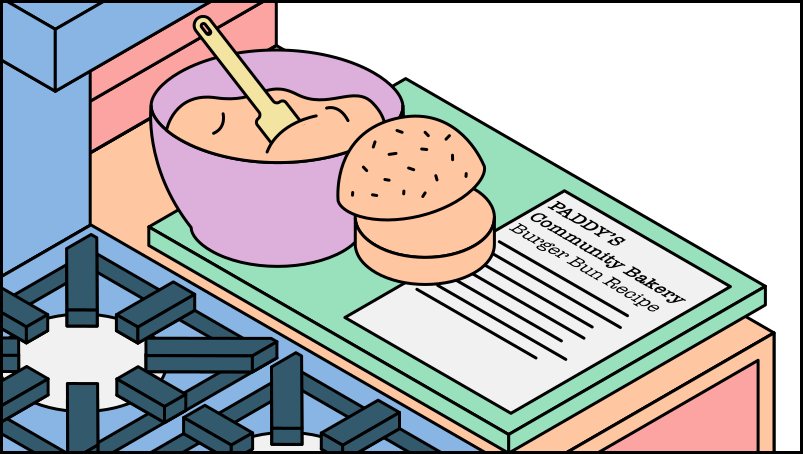
Tommy decided to use a community bakery recipe for his burger buns, whose recipe has been evolved and improved through the family for generations.
A community bakery provides Tommy with a recipe for the burger buns. Tommy has little experience baking buns, so he uses the experience of others and customises the bun by toasting the inside.
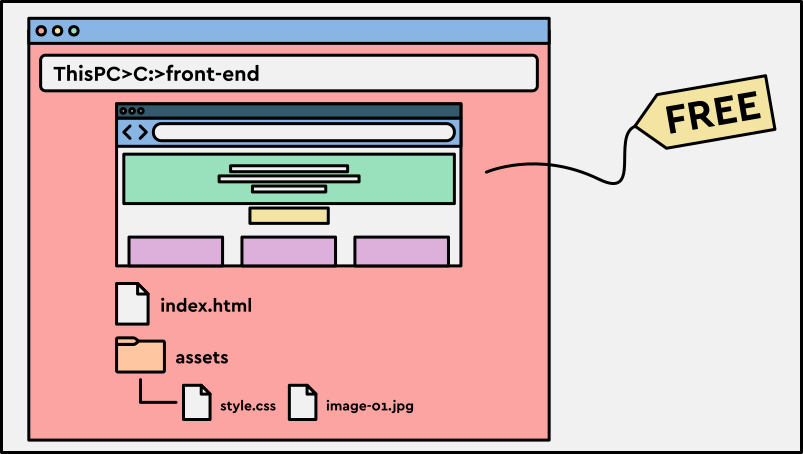
A community image is a container image created and shared by the open source community. For example, if your IT business lacks in-depth front-end expertise, you could use a community image to set up a webpage for your application, then tailor it to fit your brand.
Vendor Images
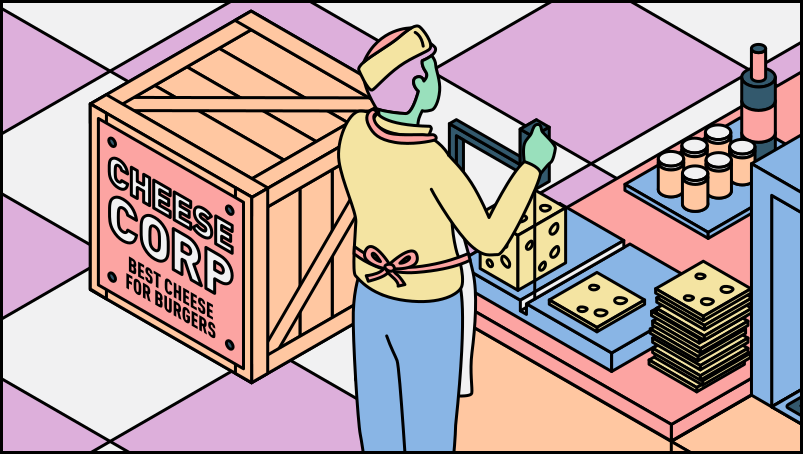
Tommy needs a great tasting cheese to add the next layer of flavour to his famous burger, and he purchases this directly from Cheese Corp.
Cheese is not an ingredient Tommy or his prep chefs would attempt to make themselves, and therefore Tommy purchases this directly from a large high quality supplier.
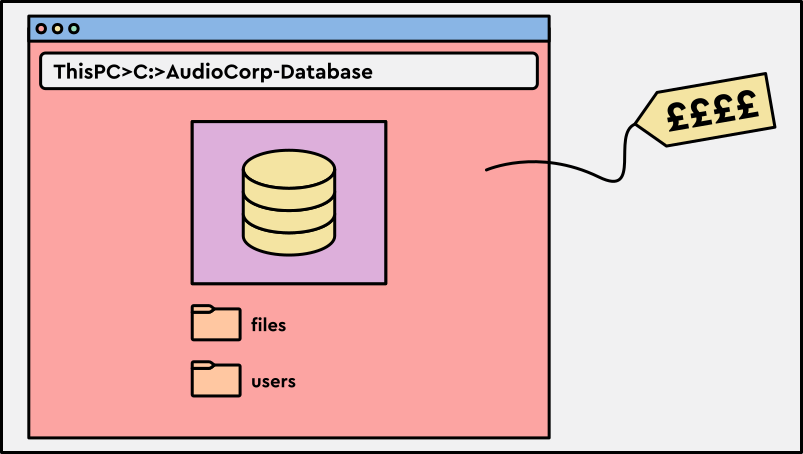
A vendor image is a container image supplied by a specific provider. It may include proprietary software, licensed components, support, or fees. For example, your IT business may purchase a vendor image for a database used by the audio effects application.
Checkpoint
Click here to check in and see what you've learned so far
- Community images: These are typically open source and free to use. Developers often use them as a starting point and adapt them to their needs.
- Vendor images: These are supplied by a provider and may be chosen for reliability, support, licensing, or operational guarantees.
Image Versioning
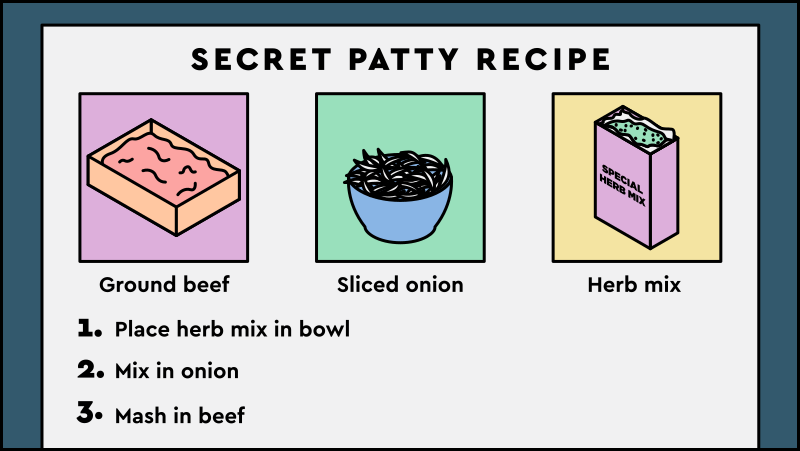
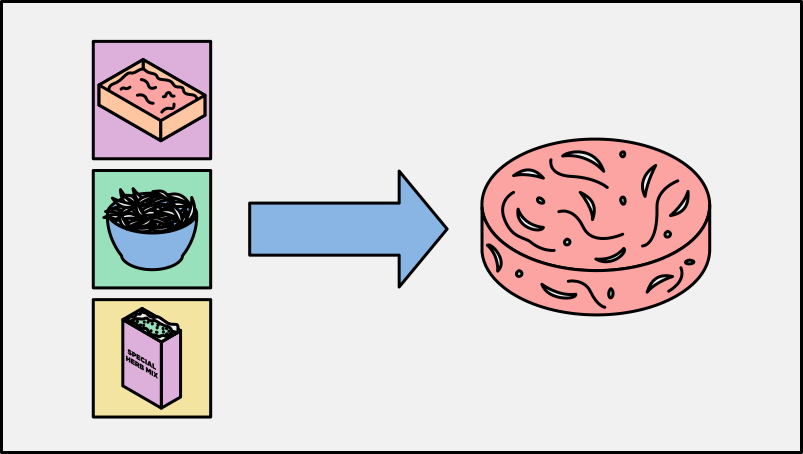
Tommy’s patty does not remain static, and he continually looks to improve the detailed recipe over time based on feedback. Tommy will iterate and publish his new recipe every month. At this point, the prep chefs will use the most recent detailed recipe which has been published.
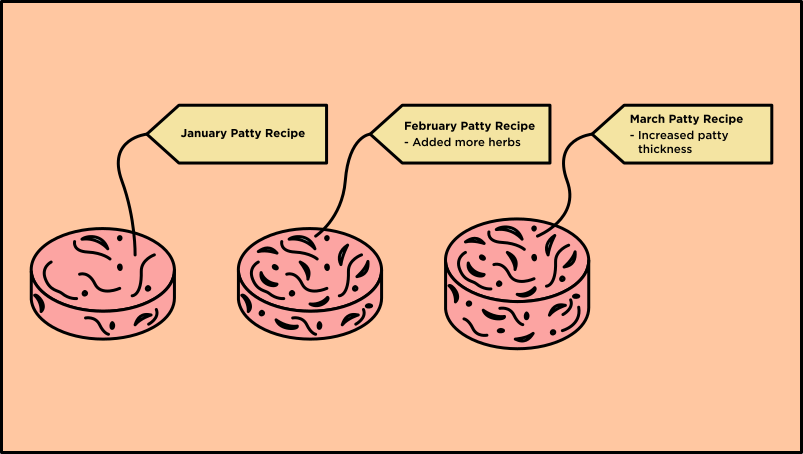
Versioning gives engineers a way to roll out changes while making it clear which version should be used. It also makes changes traceable and supports rollback when a release breaks.
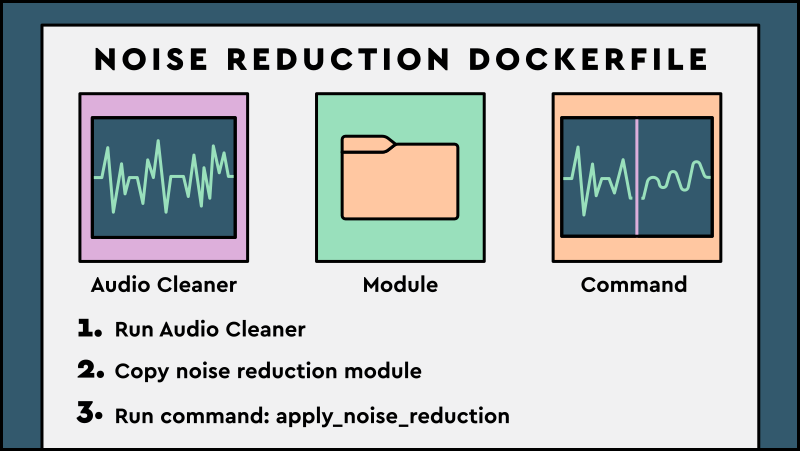
For example, the IT business upgrades the audio cleaner and simplifies its run command. If that update breaks the application, the team can roll back to the previous image version to reduce customer disruption.
Image Registry
Tommy now has a challenge. In his food truck, only he needed access to his patties. In the restaurant, multiple prep chefs need a shared place to store and access them.
Tommy and Poppy install a new fridge, where the patties can be stored and be accessible to everyone in the kitchen.
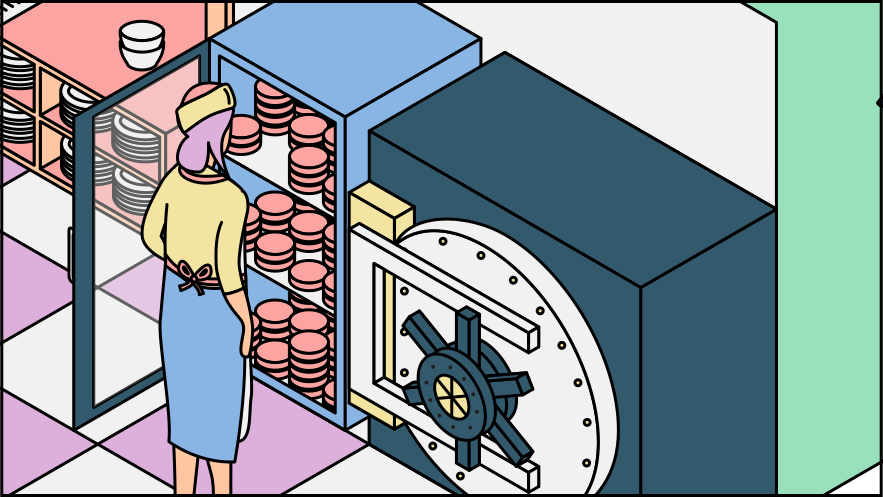
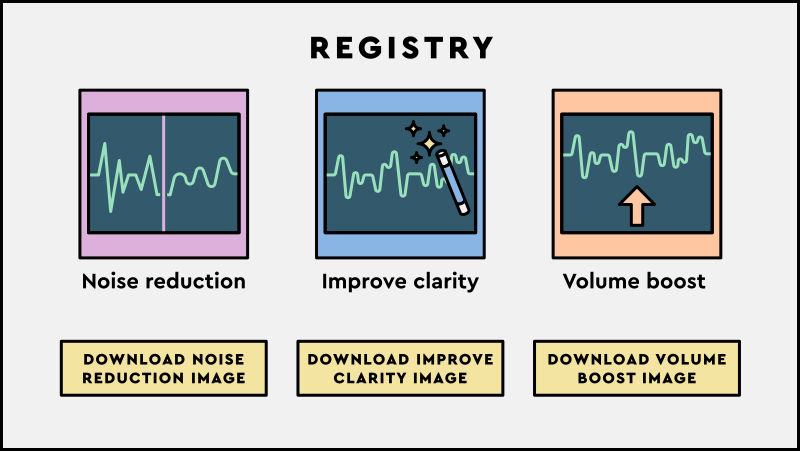
An image registry is used by developers to upload, store and share container images.
For example, the IT Business has developers work on a number of audio effect custom images, which are all stored within the image registry.
Checkpoint
Click here to check in and see what you've learned so far
- Image versioning: This is used to track changes and releases within a particular container image, vital to ensure developers and consumers know which version they are using.
- Image registry: Developers store and share versions of container images in a registry, ready to distribute to different environments.
- Businesses can choose whether they prefer to host their own image registry to reduce costs, or pay for a managed registry which requires no maintenance.
Containers
Now the prep chefs have completed their creation of Tommy’s patty, there are further steps to be taken before the paying customers can consume the burger.
In the dining area, Tommy has dedicated chefs responsible for cooking the patty, and turning it into a delicious burger.

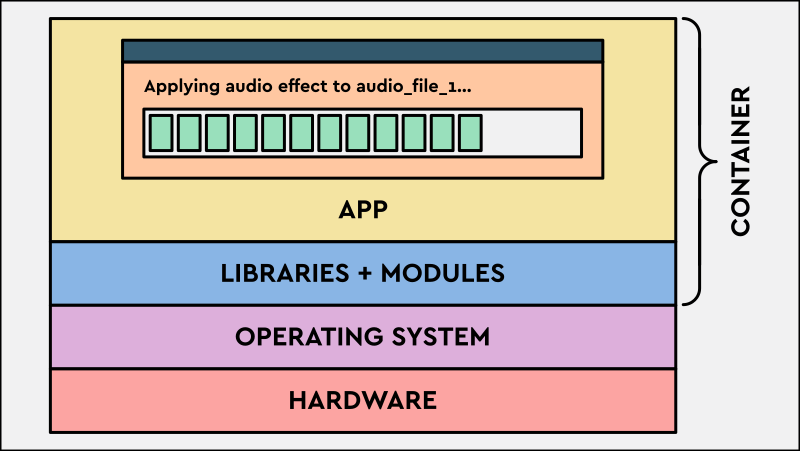
A container is a running instance of a container image. The wider process of packaging code with its dependencies so it can run consistently is called containerisation.
Pods
The final step is to assemble the elements which will create a finished product, and what the customers recognise as Tommy’s famous burger.
The dedicated table chef is sent all of the burger components to the table. Their job is to then cook and assemble the items in a specific order for the customer to consume.
Having the components grouped into a burger pod means that the burger can be cooked and assembled at any table by any chef.
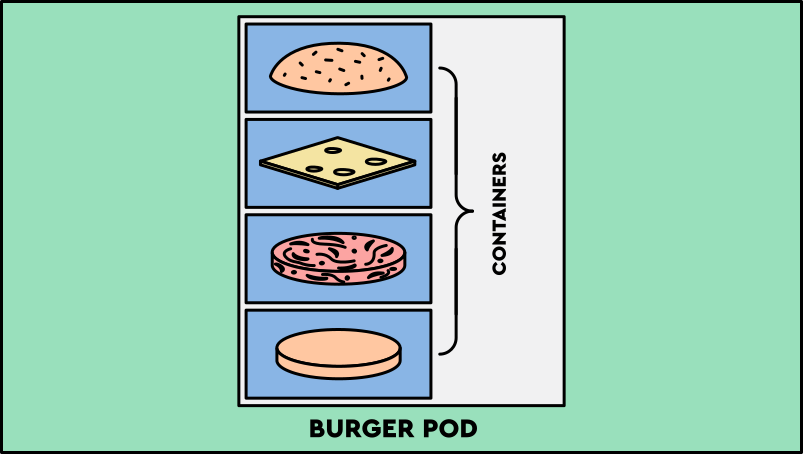
A Pod is a group of one or more containers with shared storage, shared network resources, and a specification for how those containers should run.
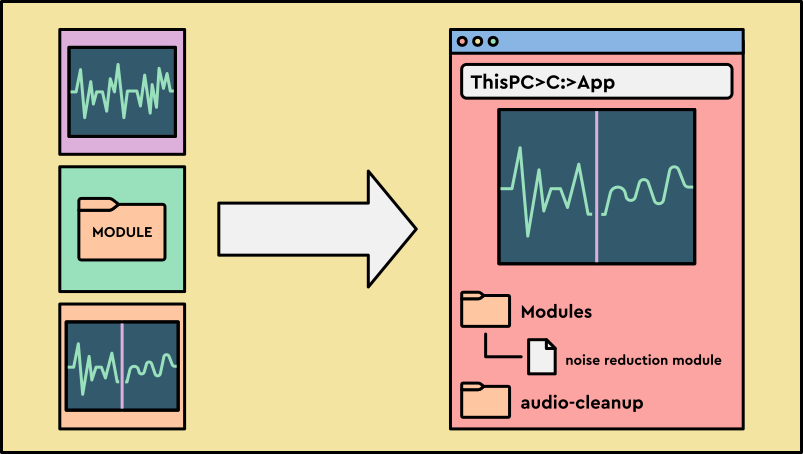
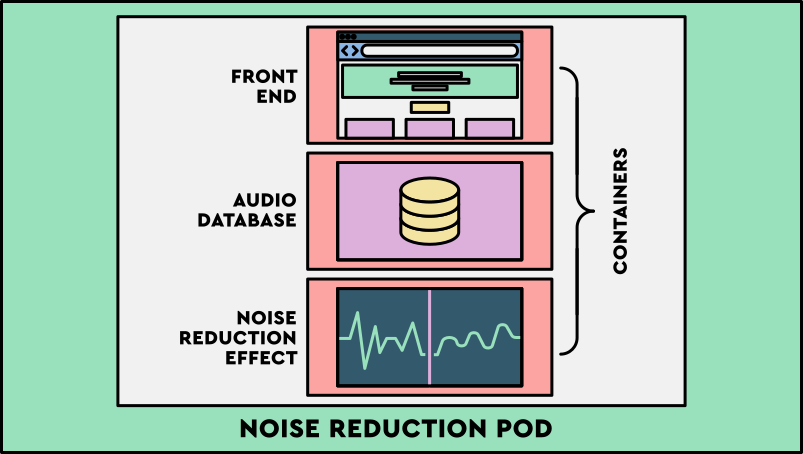
For example, the IT business chooses to group a front-end community image, audio database vendor image, and noise reduction custom image within a single pod.
Checkpoint
Click here to check in and see what you've learned so far
- Containers: A container is executable software in which application code is packaged along with its libraries and dependencies, so that the code can be run anywhere.
- Pods: Multiple containers can be grouped in a pod when they need to run together as one deployable unit.